

Stay connected,
anywhere you go.
International data, made simple.
No SIM swapping. No router returns.
Just download to your phone and connect in 192 countries.
 MIC Registered Provider
Connect in as little as 30 seconds
Available in 192 countries
100% money-back guarantee
MIC Registered Provider
Connect in as little as 30 seconds
Available in 192 countries
100% money-back guarantee
Travel becomes freer
when you stay connected.
For too long, travelers have dealt with buying local SIMs, returning pocket Wi-Fi devices, complex setup processes, and the nagging worry of "what if I can't connect?"
ALOO was created to eliminate all of that. With eSIM technology, setup is completed entirely on your smartphone — no paperwork, no returns. What we deliver is not just a means of communication, but a foundation for travel where you can stay connected and at ease, wherever you are.
Our Four Missions
ALOO is transforming the way the world connects, guided by four core missions.
Unlimited Connectivity
Coverage across 190+ countries, ensuring seamless connectivity. Stay connected without worry, no matter where you are or what time zone you're in.

Simplified Technology
Just scan a QR code to get connected. No complex setup, no physical SIM required — a communication experience anyone can use effortlessly.
.png)
Enhanced User Experience
With 24/7 LINE support and a money‑back guarantee, we ensure a stress‑free experience from purchase to use. We're committed to making every interaction one you'll be glad you had.
.png)
Advancing Digital Communication
Moving beyond physical SIM dependency toward sustainable communications infrastructure. By leveraging eSIM, we reduce plastic waste and shape the next standard in connectivity.
.png)
What is Aloo eSIM?
What is Aloo eSIM?
A dedicated eSIM service that keeps you confidently connected during international travel and business trips.
If your eSIM fails to activate, we offer a full refund — no questions asked.
Approx.30sec.to get started
Just scan the QR code and
get online the moment you land.

24hoursupport, 365 days
Our experienced staff is available via LINE 24 hours a day, 365 days a year.
We resolve any issue instantly.

192countriessupported
Perfect for multi-country trips
and international business travel.
Even Easier with
the ALOO App
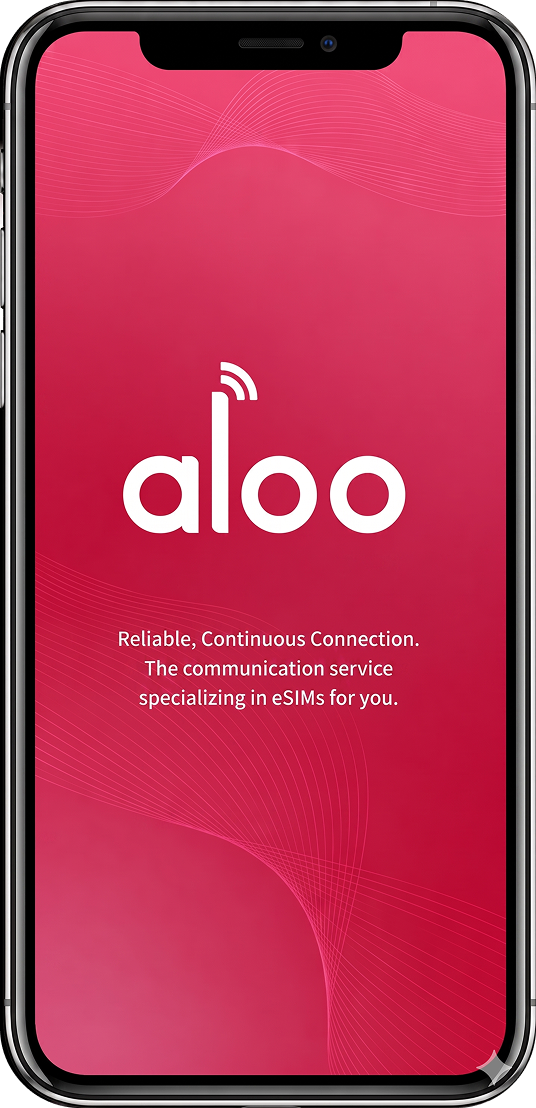
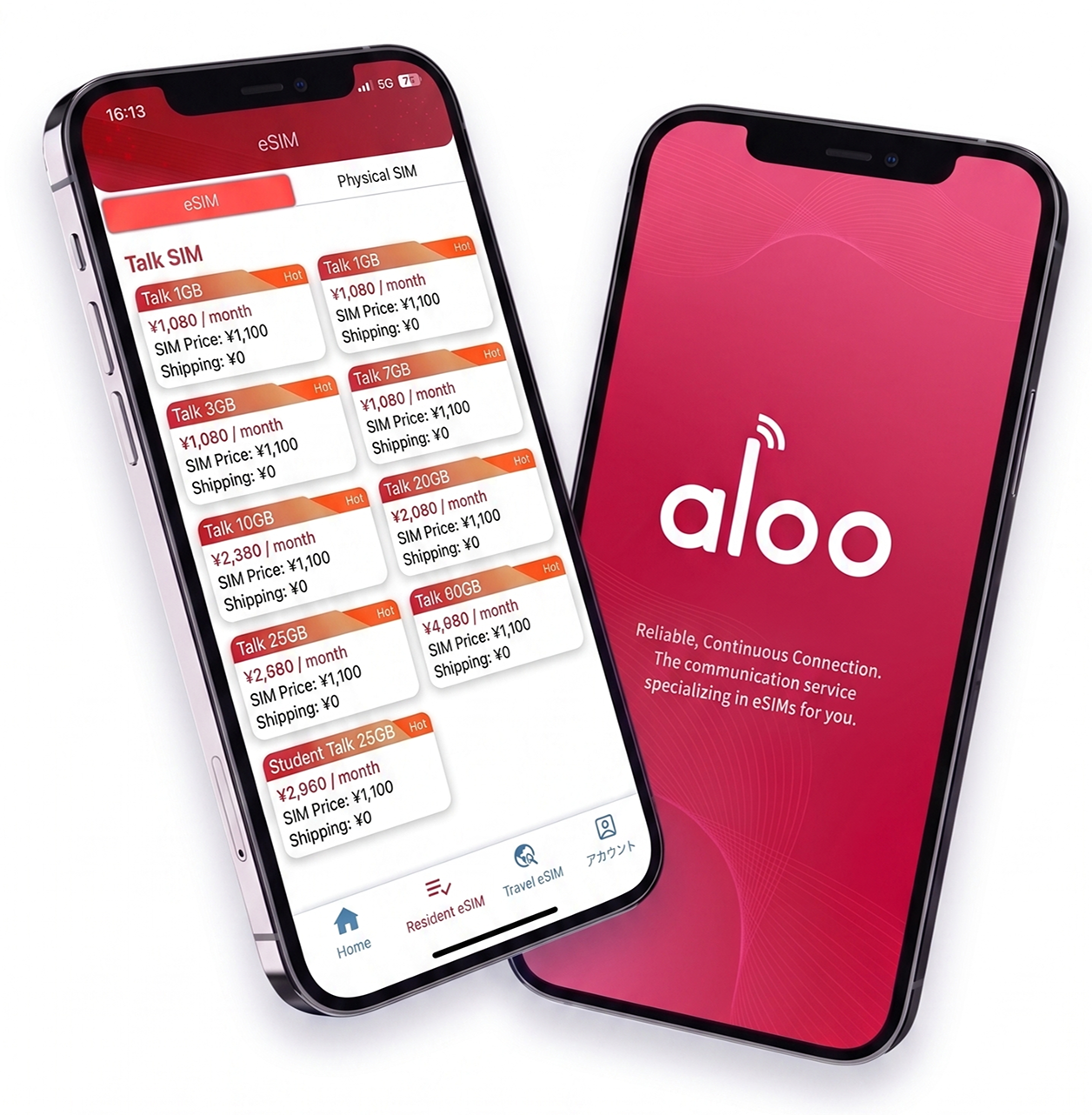
From purchasing a plan to setup and data tracking — everything in one app.
-
01
Real-Time Data Usage
Check your remaining data anytime. Easily top up before you run out.
-
02
Browse Plans by Destination
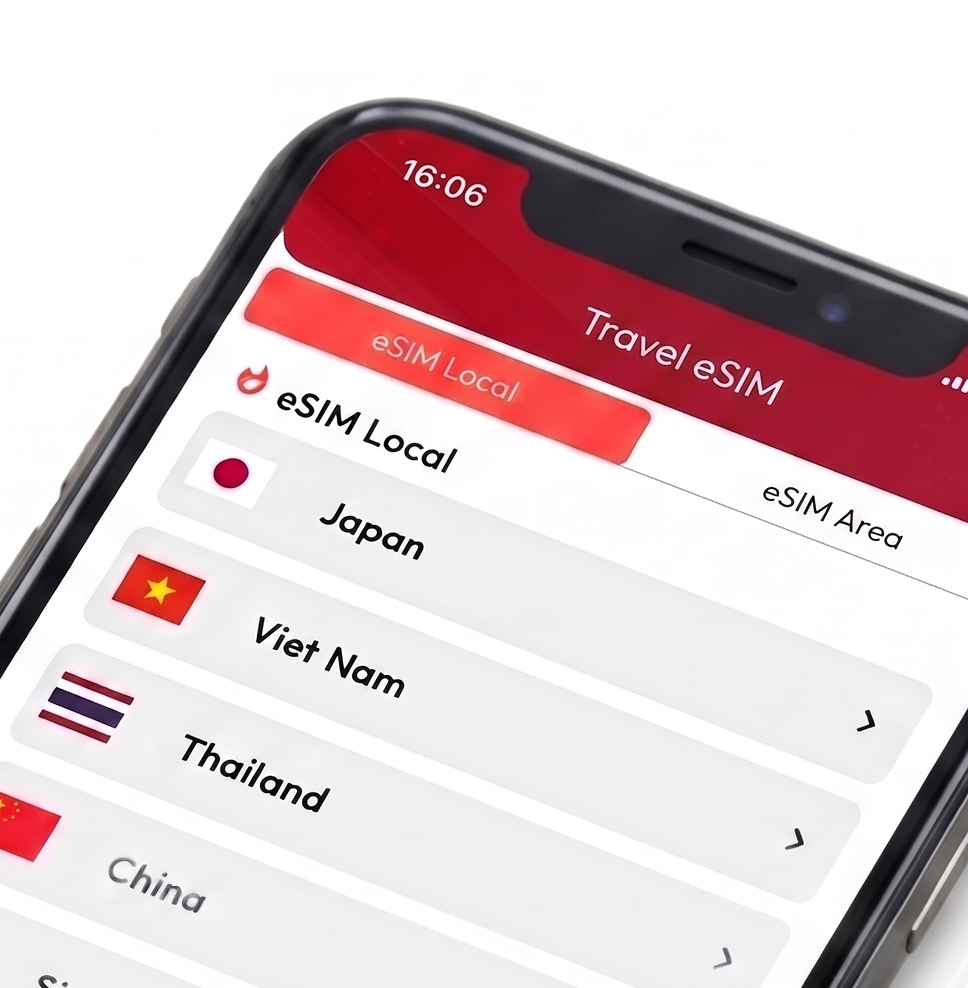
Access flexible data plans for 190+ countries and regions — simple internet access wherever you go.
-
03
Push Notification Support
Automatic alerts for activation, low data, and expiry. Stay informed throughout your trip.



Offices in Japan and Vietnam
Offices in Japan and Vietnam
Tokyo HQ
Park West Building 5F,
6-12-1 Nishi-Shinjuku, Shinjuku-ku, Tokyo

Vietnam Development Office
Hanoi / Da Nang / Ho Chi Minh City
(including group companies)
How It Works
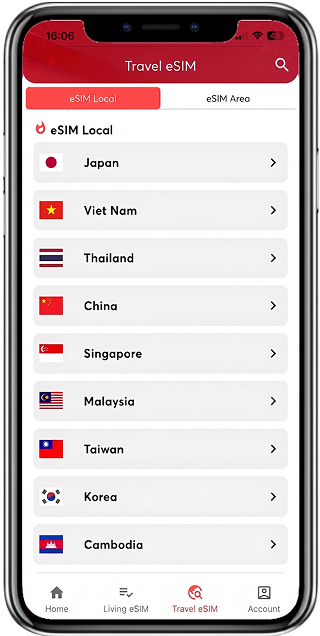
Choose Your Plan
Select your destination and data plan. Available via Amazon, the app, or LINE. Aloo offers eSIM packages for 190+ countries and regions.
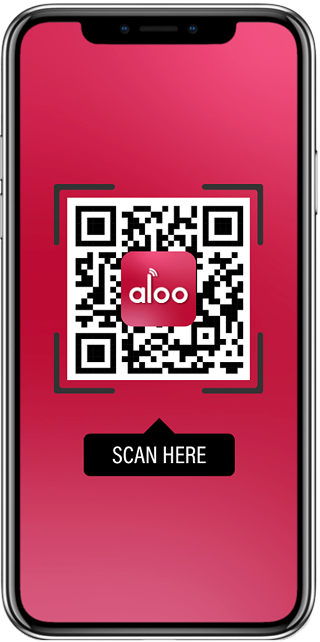
Scan QR Code
Use the app or scan the QR code sent to your email to install the eSIM on your device.
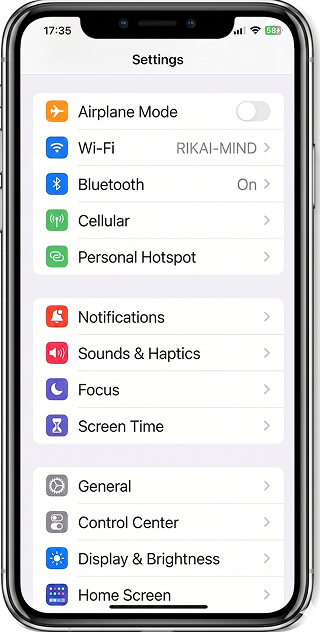
Connected!
Enable 'Mobile Data' and 'Data Roaming' on your device. Restart and wait about 1 minute — you're connected.
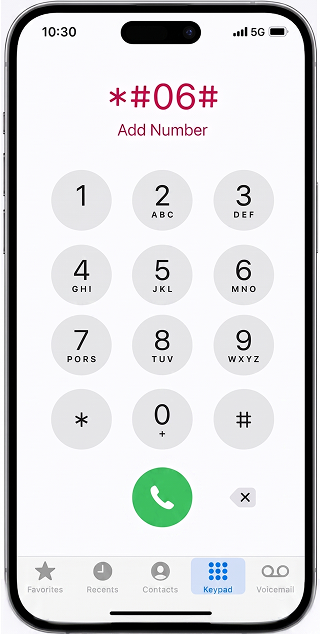
Dial "*#06#" on your phone
Enter "*#06#" on your phone's dialer and make the call.
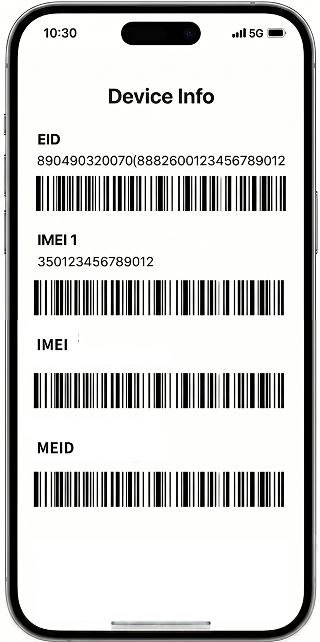
Check for "EID" on screen
If the screen that appears after the call displays an "EID" number, your device supports eSIM.
(*Exception: Rakuten Hand shows an EID but does not support eSIM.)
Setup Instructions for iPhone
-
01
Open the "Settings" app
-
02
Tap "Mobile Data"
-
03
Tap "Add eSIM"
-
04
Scan the QR Code
Tap "Use QR Code" -> Scan with your camera -
05
Tap "Continue" -> "Add eSIM" to finish
-
06
Enable Data Roaming
Settings > Mobile Data > ALOO > Data Roaming
Setup Instructions for Android
-
01
Open the "Settings" app
-
02
Tap "Network & Internet"
-
03
Tap "SIM" or "Mobile Network"
-
04
Tap "Add SIM" -> "Add eSIM"
-
05
Tap "Scan QR Code" to scan
-
06
Enable Roaming to finish
Settings > SIM > ALOO > Roaming
Destinations with ALOO


How We Protect Your Data & Payments

PCI DSS Level 1 Compliant
Payments are processed through Stripe, which meets the world's highest security standards — the same platform trusted by Amazon, Google, and Shopify.

No Card Data Stored
Your card details are fully encrypted and sent directly to Stripe's servers. ALOO never stores your card information.

Full Price Transparency
The price shown is the final price. No hidden fees or extra charges. After payment, Stripe sends an official receipt to your email.

Fast & Accurate Refunds
Under ALOO's "Zero Risk" policy, if activation fails, a prompt and accurate refund will be issued directly to your card via Stripe.
Frequently Asked Questions
You can easily manage everything through the ALOO app — check data usage, change plans, and more, all within the app.
eSIM makes travel smoother than ever. No need to carry multiple physical SIM cards — easily switch between local and international roaming networks.
After purchasing your eSIM plan, you'll receive a QR code by email within 10 minutes.
Go to your smartphone's settings, select "Add Mobile Plan," and scan the QR code to activate.
Once activated, choose whether to use it as your primary or secondary line.
• iPhone: Settings > Mobile Data > Add eSIM
• Android: Settings > Connections > SIM Card Manager > Add Mobile Plan > Activate via QR Code
• Google Pixel: Settings > Network & Internet > Mobile Network > Advanced > Carrier > Add Carrier
※ Steps may vary depending on your device model and OS version.